

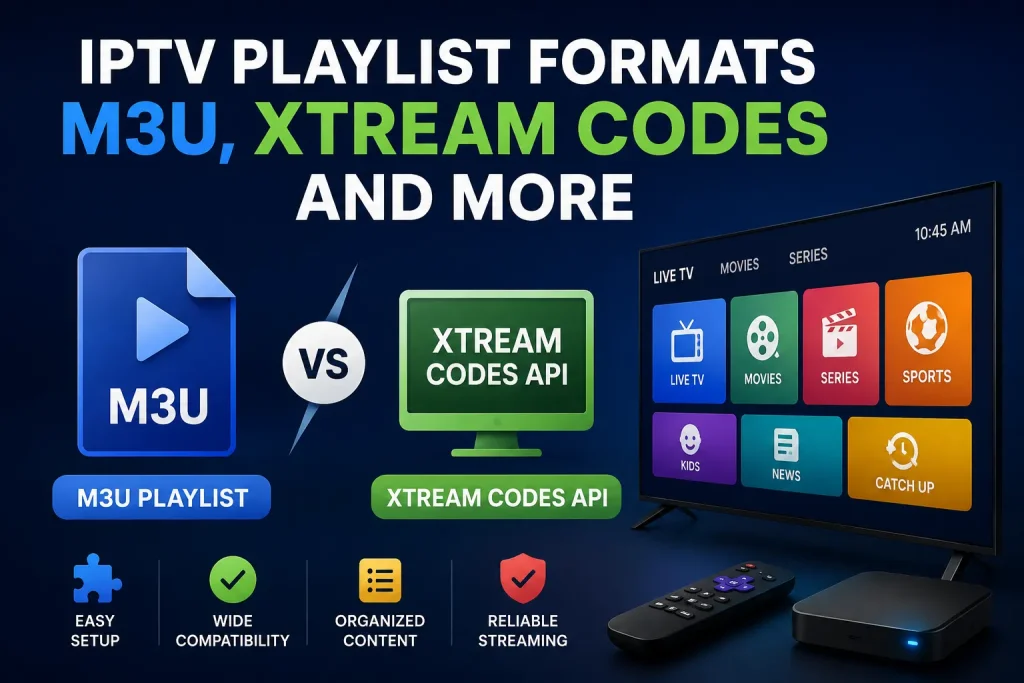
Choosing the right IPTV playlist formats makes a real difference in how reliably your channels load, how easy it is to update content, and how well your player handles live TV, movies, and series. Whether you are setting up a new device or troubleshooting buffering, knowing the differences between M3U and Xtream Codes helps you get better results faster.
This guide explains the main IPTV playlist formats in clear, practical terms. You will see how each one works, when to use it, and how to set them up correctly. The focus stays on usable information so you can make informed decisions for your streaming setup.
An IPTV playlist is a file or set of credentials that tells your media player which streams to load and how to organise them. The two most common approaches are the classic M3U file (or M3U URL) and the Xtream Codes system. Both deliver the same end result—access to live channels and on-demand content—but they handle data and updates differently.
Other formats exist, yet M3U and Xtream Codes dominate everyday use because almost every popular IPTV player supports them. Understanding these two covers the vast majority of practical needs.
An IPTV M3U playlist is a plain-text file (or a remote URL that returns the same text) containing a list of stream addresses, channel names, and optional logos or group titles. The file starts with #EXTM3U and each entry follows a simple structure:
Players such as VLC, TiviMate, IPTV Smarters, and many Android/iOS apps read this list and display the channels.
M3U remains the most universal option and is often the first format new users encounter.
Xtream Codes is a panel-and-API system widely used by IPTV services. Instead of a static file, you receive a server URL, username, and password. The player uses the Xtream Codes API to request the live list, VOD catalogue, and EPG on demand.
Typical login fields look like this:
Once entered, the app can fetch categories, series, and programme data automatically. Many modern players offer a dedicated “Xtream Codes” or “Xtream API” login screen for this reason.
For users who want less manual work after the first setup, Xtream Codes is usually more convenient.
| Feature | M3U Playlist | Xtream Codes API |
|---|---|---|
| Setup method | File or single URL | Server + username + password |
| Updates | Manual refresh or re-download | Automatic via API |
| EPG support | Often separate URL needed | Usually included |
| Device compatibility | Almost universal | Excellent on modern dedicated apps |
| Offline use | Possible after download | Requires connection |
| Best for | Simple players, one-time loads | Daily use, frequent channel changes |
Neither format is universally “better.” The right choice depends on your player, how often your provider updates the lineup, and whether you prefer simplicity or automation.
While M3U and Xtream Codes cover most cases, you may occasionally meet:
In practice these appear far less often than the two main formats. Most users only need to master IPTV playlist formats based on M3U and Xtream Codes.
For Xtream Codes the process is similar but uses the three login fields instead of a single URL. Always test a few channels after setup to confirm everything works.
If you mainly watch on a simple device or want maximum compatibility, start with an IPTV M3U playlist. If you use a feature-rich app such as TiviMate, GSE Smart IPTV, or IPTV Smarters and prefer automatic updates plus better programme guides, go with Xtream Codes.
Many Swedish users enjoy live sports, including live football leagues and the chance to watch F1 online through reliable IPTV services. The playlist format itself does not decide content quality—that depends on the provider and your internet connection—but a well-chosen format reduces setup friction and keeps the experience smoother day to day.
Understanding IPTV playlist formats removes a common source of frustration. M3U remains the flexible, widely supported classic, while Xtream Codes delivers a more modern, account-driven experience through its API. Most people benefit from knowing both so they can switch or compare as needed.
Test the format that matches your player and habits. A clean setup means less time troubleshooting and more time watching.
Ready to try a reliable service that supports both M3U and Xtream Codes? Visit iptvkungen.net to explore current options and get started with a playlist that works on your devices.
An M3U file is a local text file you download and open. An M3U URL is a web address that returns the same playlist content. Most modern players accept the URL directly so you never need to store the file yourself.
Yes. Many panels generate an M3U link from your Xtream login details. This lets you use the same account in players that only support M3U.
Providers sometimes change stream links or server addresses. Re-download or refresh the playlist (or switch to an Xtream Codes login if available) to restore access.
Most popular IPTV apps support it. Look for a login screen that asks for portal/server URL, username, and password rather than a single playlist link.
Security depends more on the provider and how you protect your login details than on the format itself. Avoid sharing credentials and use strong, unique passwords regardless of whether you use M3U or Xtream Codes.

Jag är Damian Cross, en skribent inom streamingteknik med fokus på OTT-plattformar, videodistribution, streamingprestanda och innovationer inom digitala medier.


